Start on your phone
- Install Marka from Google Play and open the camera.
- Allow camera access. Allow location access if you want capture coordinates, and microphone access when recording video with sound.
- Choose a stamp template and the information you want to show. Tap the stamp to edit its available fields.
- Take a photo or video, then open the library to view, organize or share it.
You can use the mobile app without an account. Your records stay on the phone unless you share them, enable Drive backup or connect to a company.
Join an existing company
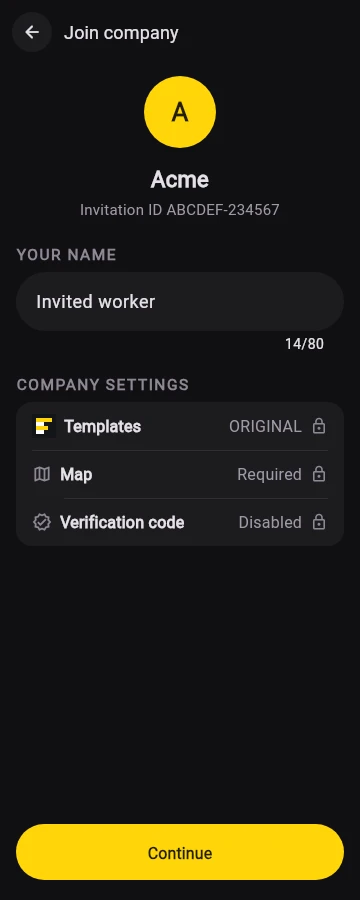
Ask your company for an invitation link, code or QR code. Workers do not need a web account or a password. Each device joins separately, and one device can be connected to one company at a time.
Joining can send photos, videos, project labels and timesheets to your company. Review the existing-data choice before you join.
Set up a company
- Open the company platform from the Marka website and create an account, or sign in with Google.
- Enter your company name and create a worker invitation.
- Share the invitation privately with that worker. The same worker can use it on more than one device.
- Open the dashboard to manage projects, view collected records and review timesheets.
Company users sign in to the web platform. Worker devices upload their own records; they cannot browse other workers’ company files.